
your FiveM server runs QBCore (roleplay: jobs, gangs, housing), linked to its database.
qbcore).Settings, FXServer tab, Reset the data folder (nothing is deleted), then open /server/setup.
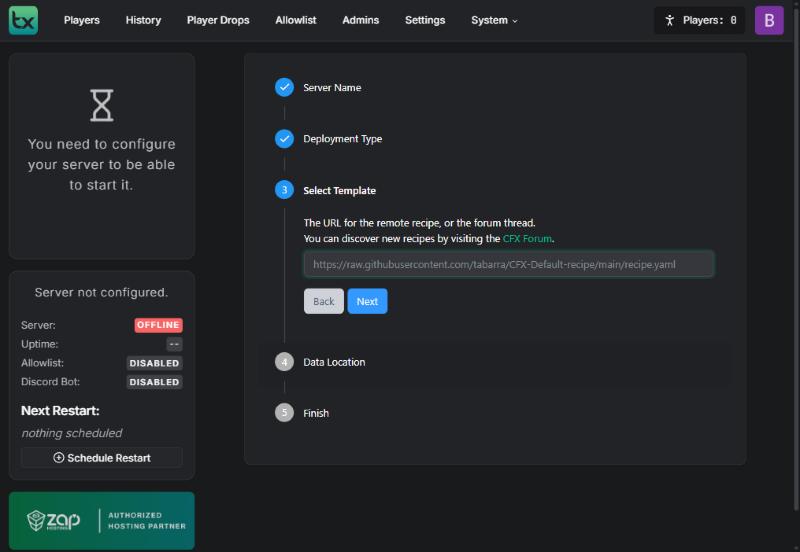
Choose Remote URL Template and paste the recipe address:
https://raw.githubusercontent.com/qbcore-fivem/txAdminRecipe/main/qbcore.yaml
Click Next: txAdmin recognises “QBCoreFramework”. Keep the suggested folder (Save), then Go to Recipe Deployer.
This recipe is hosted by the QBCore team on GitHub, not by Portallis. txAdmin warns you to run only trusted recipes: review it, and check that the address is still the official QBCore repository.
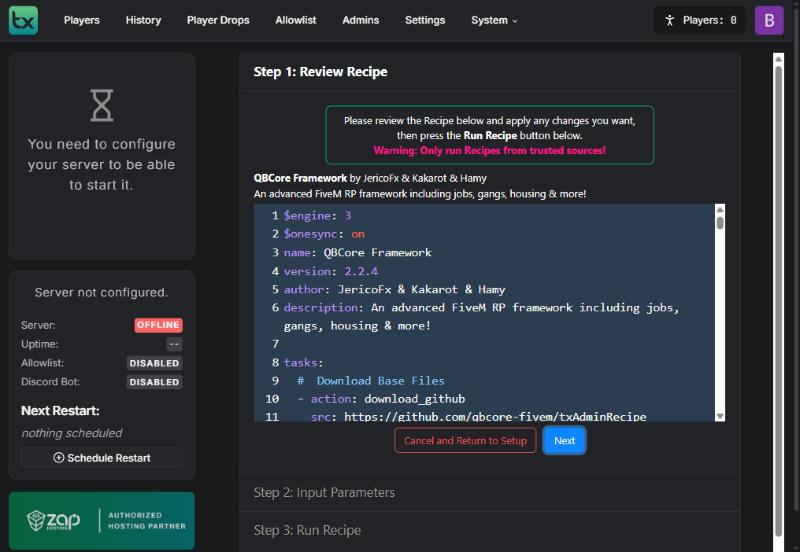
Click Next, then Show/Hide Database options:
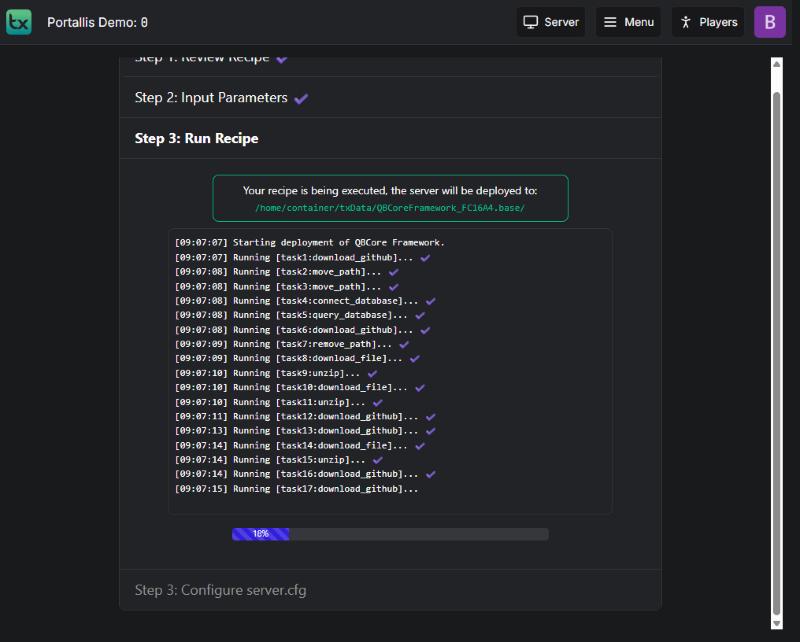
s134_qbcore database (each database has its own).s134_qbcore. Delete Database: OFF.Run Recipe. QBCore runs about 90 tasks (the recipe is long: allow 2 to 3 minutes) until “All done!”.
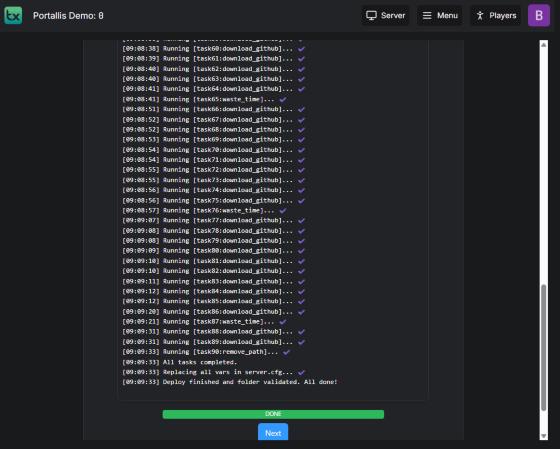
In the server.cfg, replace 30120 with your server’s main port (for example 25005) on endpoint_add_tcp and endpoint_add_udp. Click Save & Run Server.
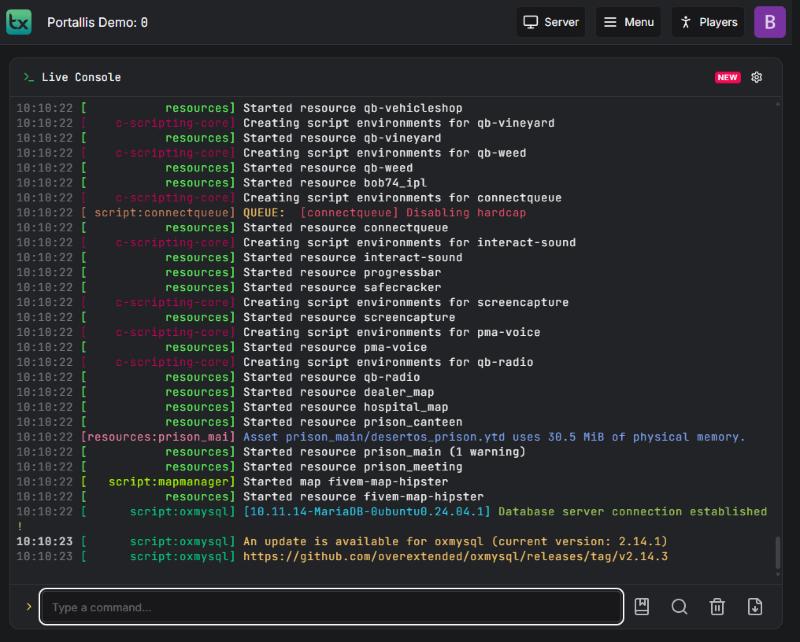
The console shows the qb-* resources starting, then “Database server connection established”.
you pasted another database’s username (the most common case). Use the s134_qbcore one.
set it to OFF.
check both endpoint_add_* lines.
harmless.
Our team will answer by message or on Discord.