
your FiveM server runs the ESX roleplay framework (jobs, housing, vehicles), linked to its database.
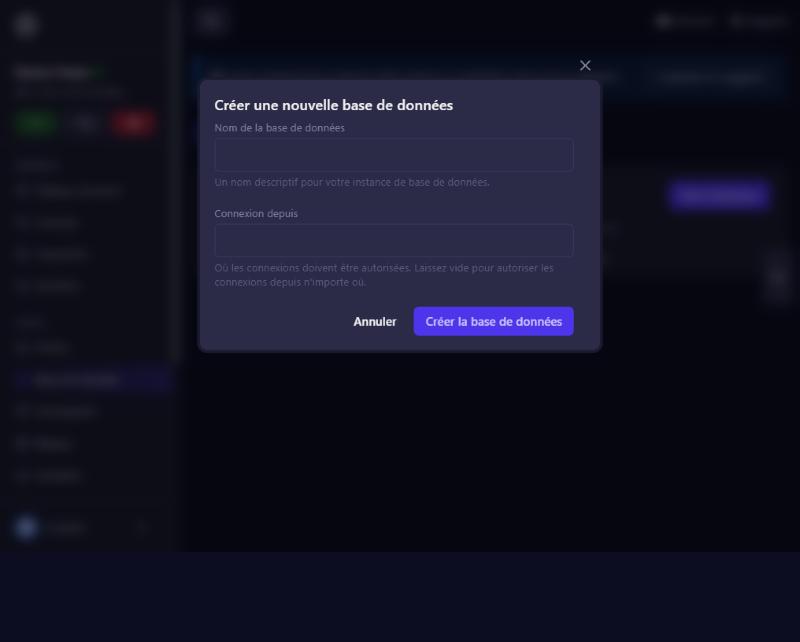
Base de donnée (Database) menu, New Database button. Name it (here esx), leave “Connexion depuis” (connect from) empty, then Créer la base de données. The panel names it s134_esx and shows its address. Click Détails de la base de données to see its username and password: each database has its own.
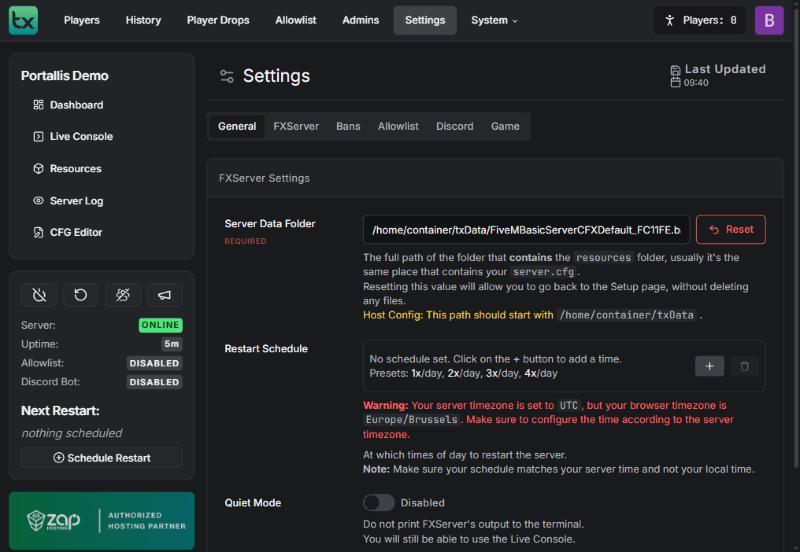
In txAdmin: Settings, FXServer tab, Reset button next to the data folder, then Continue. Nothing is deleted. Then open /server/setup: the wizard starts again.
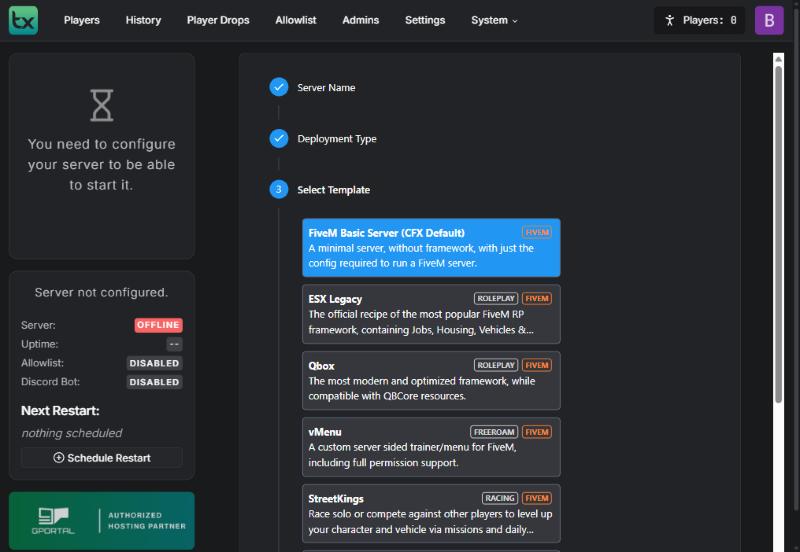
Choose Popular Recipes, then the ESX Legacy template. Keep the suggested folder (Save), then Go to Recipe Deployer and review the recipe (it is the official ESX team recipe).
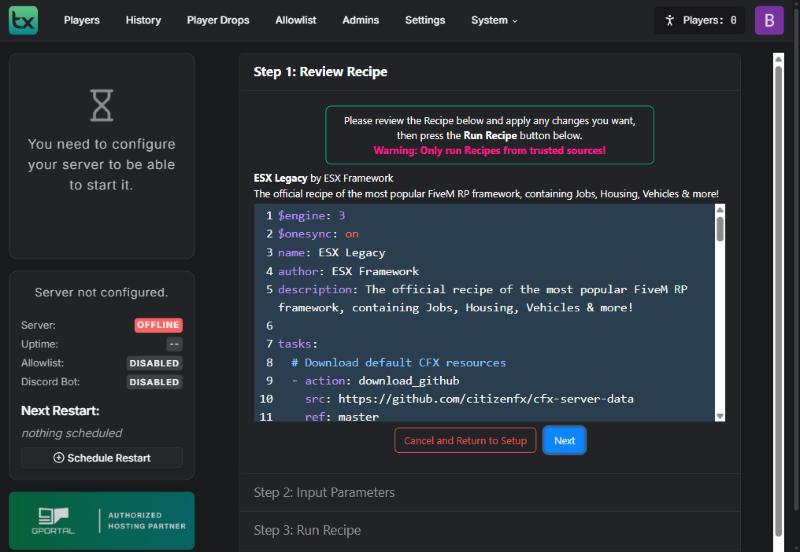
Click Next, then Show/Hide Database options. Fill in:
s134_esx.Check the username carefully: another database’s username gives “Access denied”.
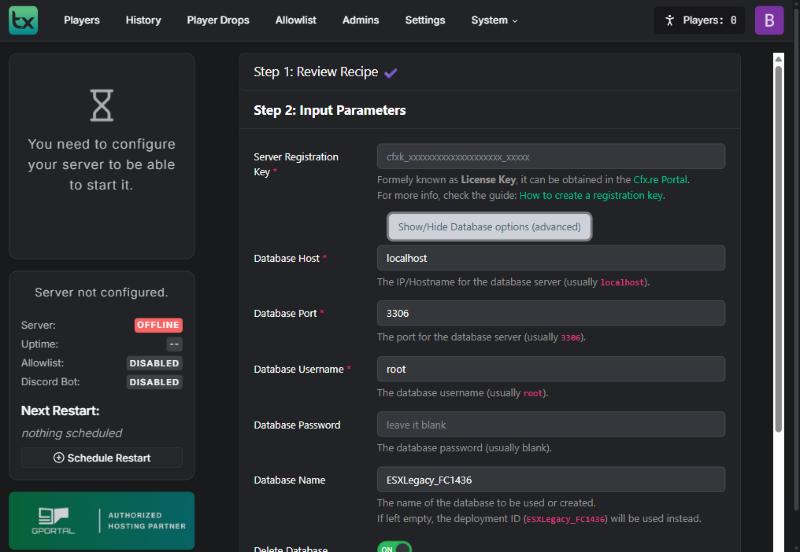
Click Run Recipe. Tasks scroll by (database connection, table creation, resource downloads) until “All done!”.
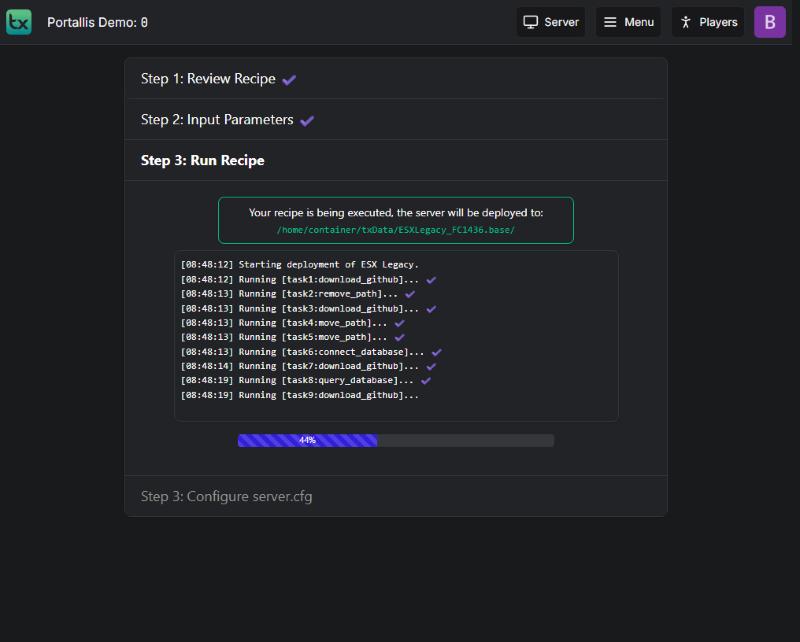
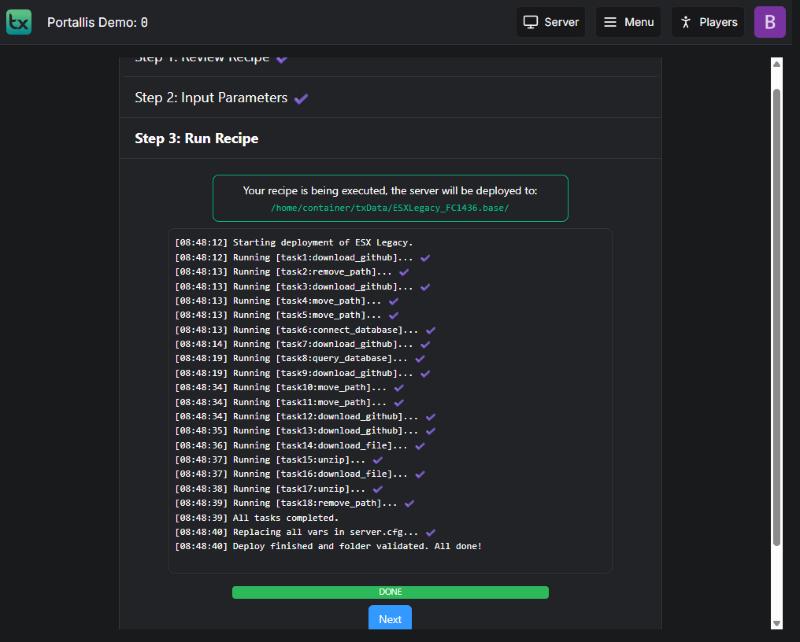
In the server.cfg shown, replace 30120 with your server’s main port (for example 25005) on both endpoint_add_tcp and endpoint_add_udp lines. Do not touch the mysql_connection_string line. Click Save & Run Server.
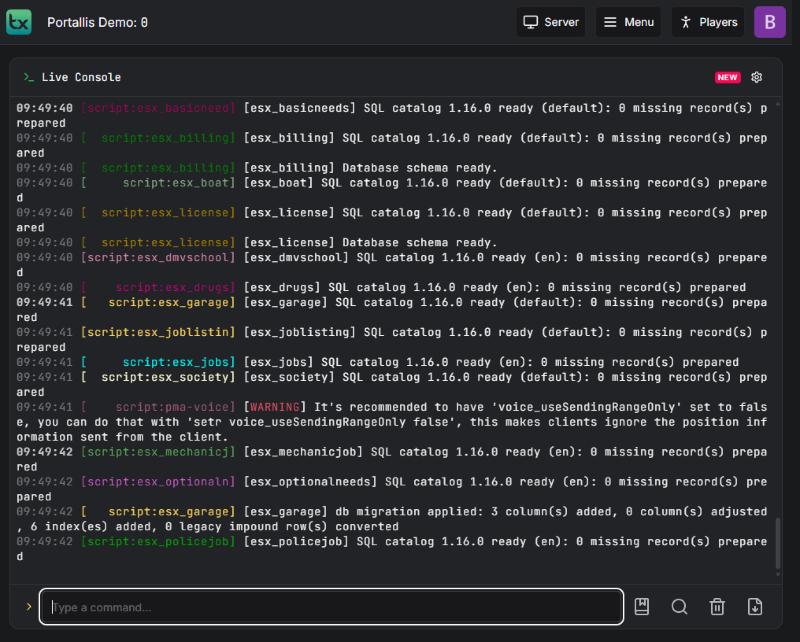
The txAdmin console lists the ESX scripts (esx_billing, esx_jobs, esx_garage…) with “Database schema ready” or “SQL catalog … ready”: ESX is linked to its database.
wrong username or password. Use those of the s134_esx database from “Détails de la base de données”.
txAdmin tries to drop and recreate the database, which fails on a hosted database. Set it to OFF.
the endpoint_add_* lines must use the main port.
is harmless.
Our team will answer by message or on Discord.