
you know how to set up your panel account, secure it (password, 2FA) and see who signed in.
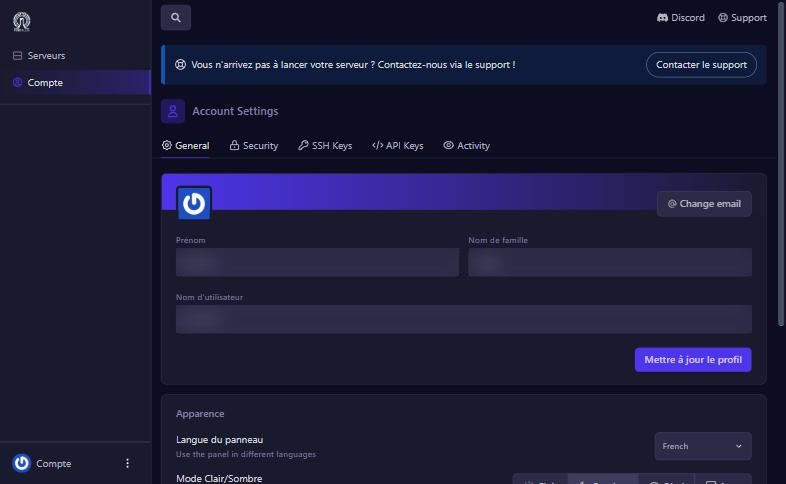
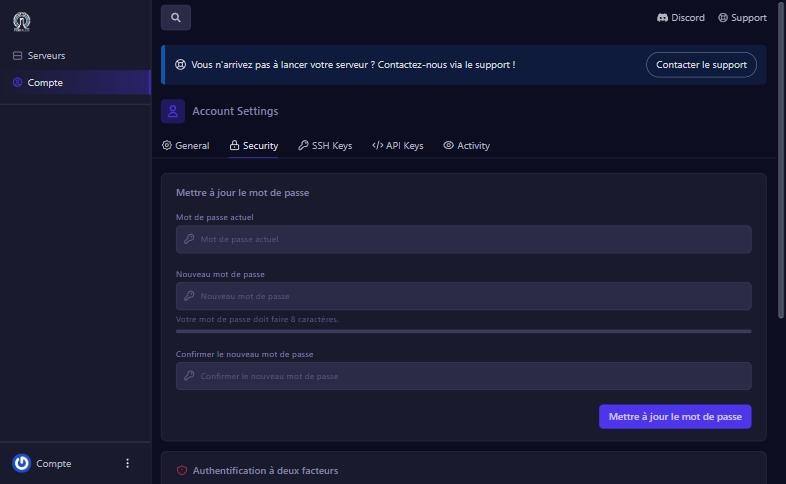
In the left menu (Servers page), click Compte. The Account Settings screen has five tabs: General, Security, SSH Keys, API Keys and Activity.
The Activity tab lists actions on the account: sign-in (auth:success), user creation, with the user, IP address and date. It is where to check who did what.
use the reset link on the sign-in page, or contact support.
change the Langue du panneau in the General tab.
contact us before closing your session, to recover access.
change the password, turn on 2FA and delete unused API keys.
Our team will answer by message or on Discord.