
you create a backup of your server in under a minute, can lock, download or delete it, and know the steps to restore it.
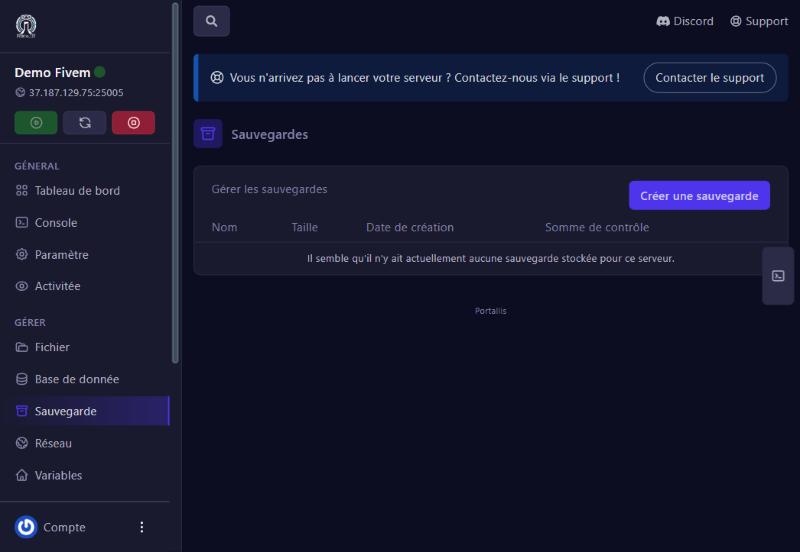
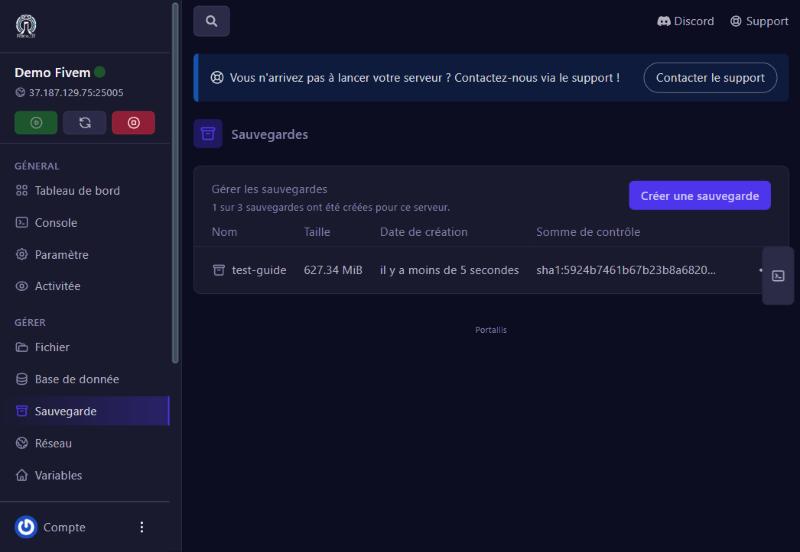
Sauvegarde (Backup) menu. You see the list (name, size, date, checksum) and the counter “1 of 3 backups created”.
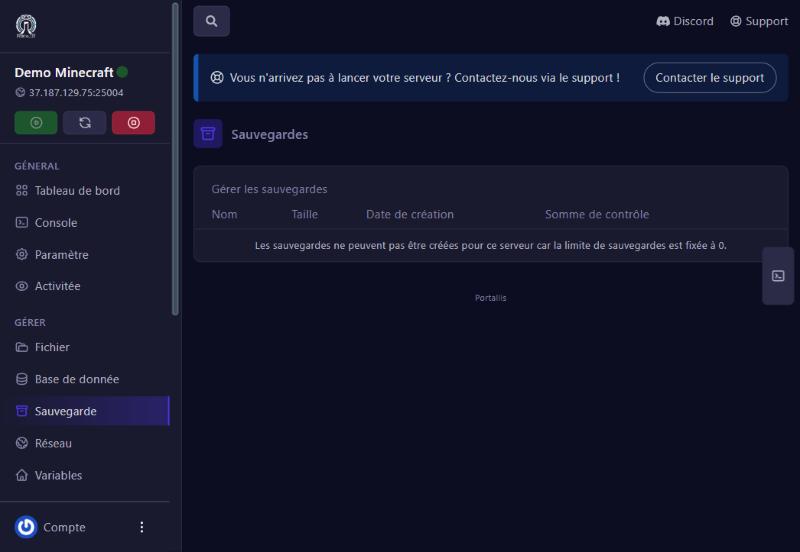
If the limit is 0, a message says so instead of the button:
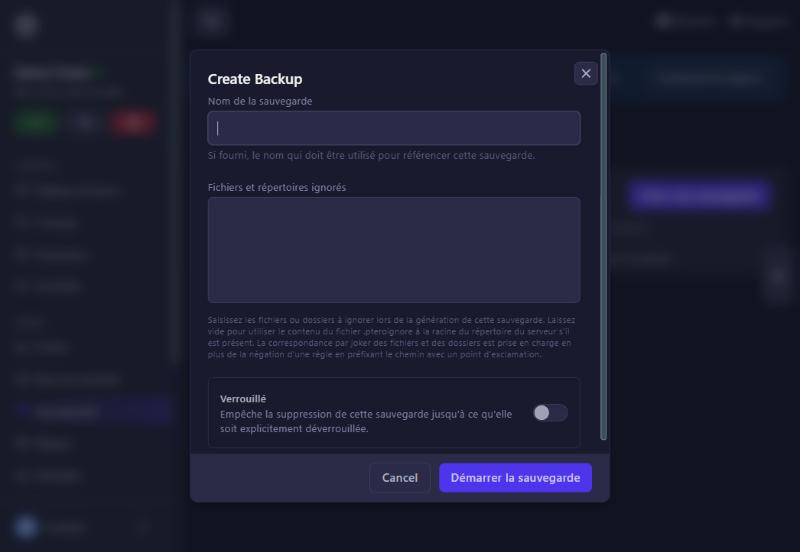
Click Créer une sauvegarde. Fill in:
Then Démarrer la sauvegarde.
The backup appears within seconds with its size (here 627 MB) and the counter goes to “1 of 3”.
The row’s ⋯ menu offers:
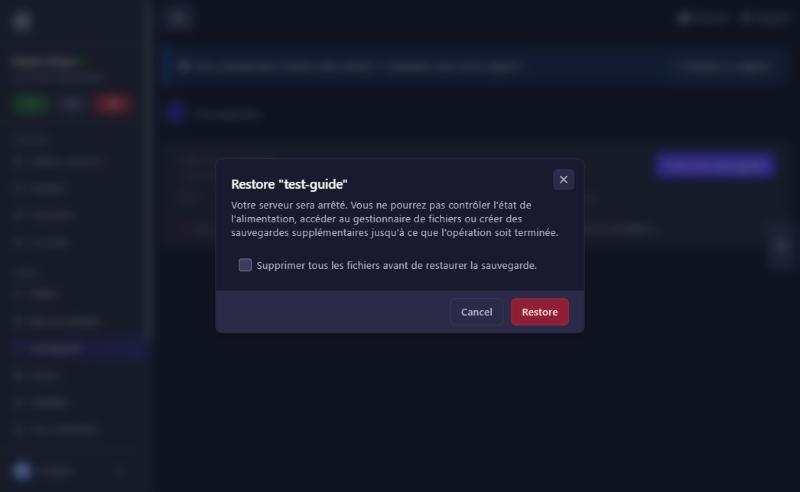
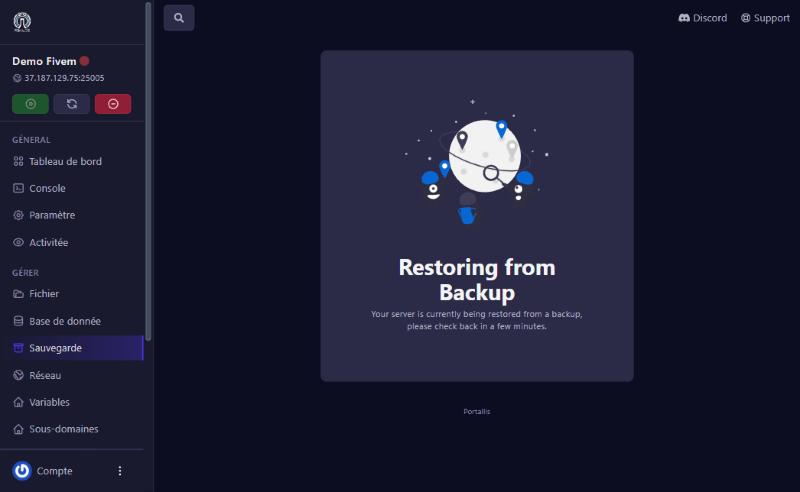
During a restore, the panel shows “Restoring from Backup”. Always check the result: then open the Activity log (“Activitée” menu). A server:backup.restore-failed line means the restore did not succeed; in that case do not retry in a loop: the server may stay stuck on “stopping” and you should contact us, with the event’s time. Once a restore has succeeded, the server stays stopped: click Start.
your plan has no backup for this server. Write to us.
the limit is reached. Unlock then delete an old backup.
normal if it succeeded, click Start. Otherwise check the activity log (backup.restore-failed line) and contact us.
contact us with the time of the attempt; use “Force stop” only as a last resort.
use “ignored files and folders” to exclude useless files (logs, caches).
Our team will answer by message or on Discord.