
you create a database for your server, find its connection details and use them without mixing up databases.
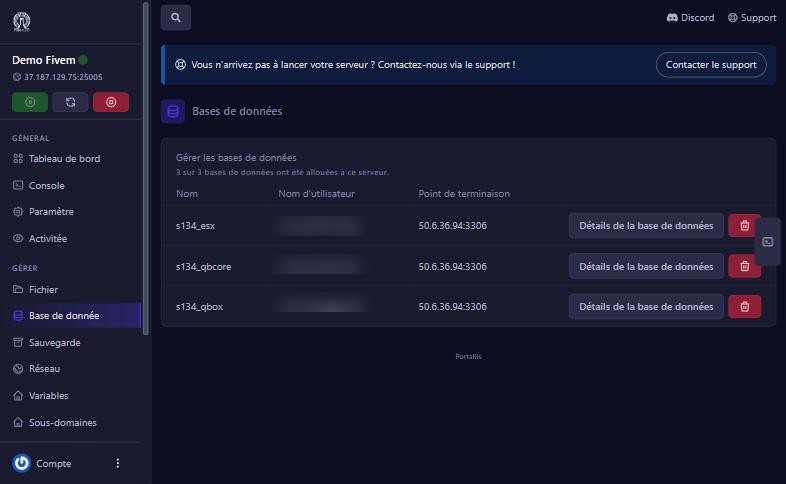
Base de donnée (Database) menu. Each row shows the database name (prefixed, for example s134_esx), its username and its endpoint (connection address and port, here 50.6.36.94:3306).
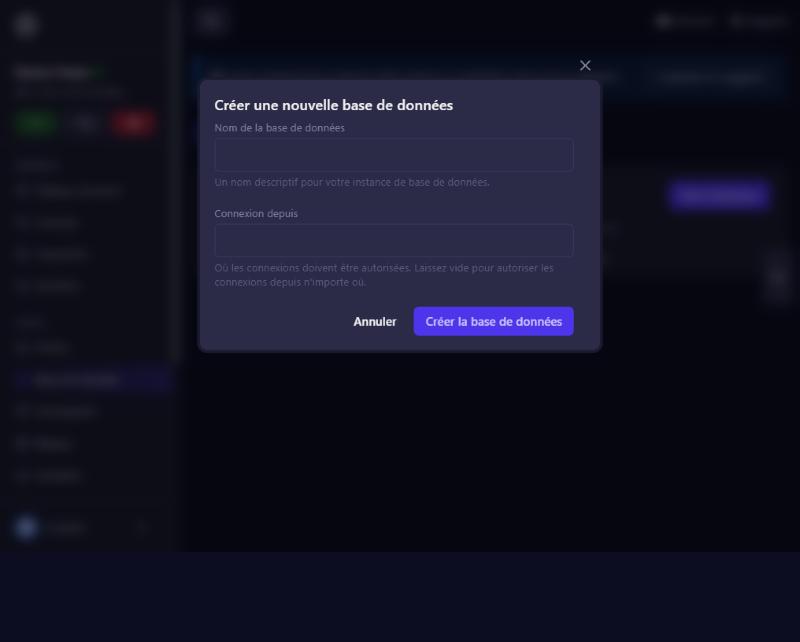
Click New Database. Give a descriptive name (the panel adds its prefix) and leave “Connexion depuis” (connect from) empty to allow connections from anywhere, then Créer la base de données. It appears in the list. Avoid creating several in a few seconds: the panel limits the rate and answers “Too Many Attempts”. Wait a minute.
Click Détails de la base de données. The window gives the endpoint, connect from (% = anywhere), the username, the password and the JDBC connection string. Each database has its own username and password: one database’s details do not work on another (“Access denied”). These details are confidential: never publish them.
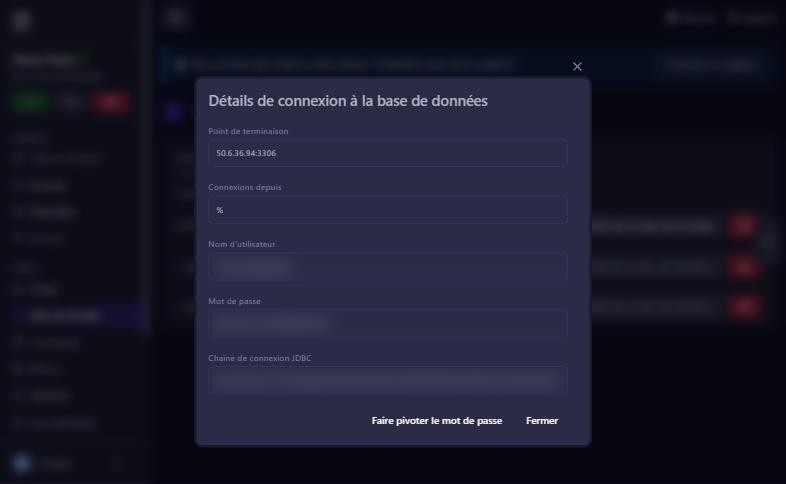
Faire pivoter le mot de passe (rotate password) generates a new password. Then update it everywhere the old one is used, for example in the mysql_connection_string line of FiveM’s server.cfg, otherwise the server can no longer connect.
The red bin deletes the database and its data. Make a backup first and never delete a database your server uses.
you are using another database’s username or password. Take those of the right row.
your plan’s limit is reached, or you created them too fast (“Too Many Attempts”, wait a minute).
update your game’s connection string with the new password, then restart.
panel backups cover files; ask us how to back up a database.
Our team will answer by message or on Discord.